
Litmus for Eloqua - What You Need to Know
Litmus is one of the big two email rendering and QA platforms (the other being Email on Acid). It provides visual previews across 90+ real email clients and devices - Outlook desktop, Gmail web, iOS, Android, various dark modes and a huge range of odd combinations your customers might be using.
Used properly, Litmus should be part of every pre-send QA checklist. Pixel-perfect rendering is something Eloqua alone cannot guarantee, especially with Outlook quirks and client-specific behaviours.
How Litmus Works Without Eloqua Integration
Without the Eloqua Litmus App, you must manually copy/paste HTML into Litmus. The platform then runs your email through thousands of real devices and client combinations and produces crystal-clear screenshots.
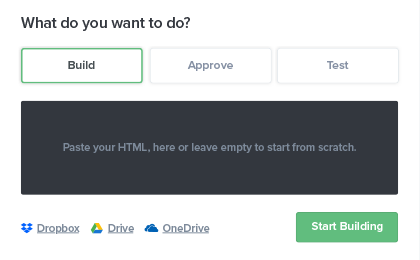
Litmus does not modify your code. It simply renders exactly what your subscribers will see.

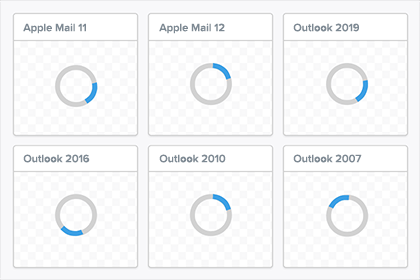
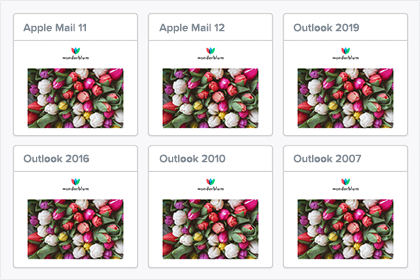
The output is a clean grid of screenshots across all available email clients.
Installing the Litmus App in Eloqua
Installation is straightforward:
- Visit the Litmus App listing in the Oracle Cloud Marketplace.
- Click Get App.
- Authenticate using your Eloqua API user.
- The app becomes available in the Eloqua email editor.
Once installed, open any Eloqua email and click the Cloud Action icon.
Select the Litmus Testing tile and sign in using your Litmus account.

You can now push emails to Litmus testing directly from within Eloqua - no more copying and pasting HTML.
Litmus' Walkthrough Video
The Pricing Problem - And It’s a Big One
Litmus’ functionality is excellent, but the Eloqua integration comes with a major caveat: You must be on the Litmus Enterprise plan.
As of the latest discussions, the Enterprise plan was quoted at around $20,000 USD annually.
Meanwhile, platforms like Mailchimp and Campaign Monitor can integrate using the $199/month Plus plan.
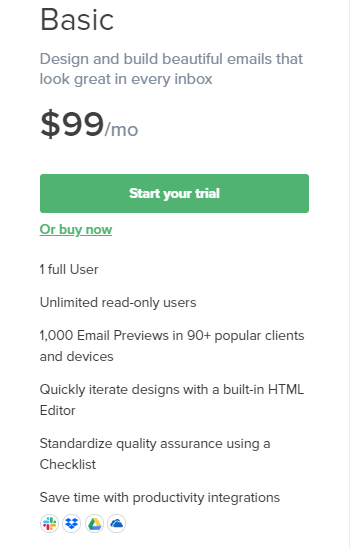
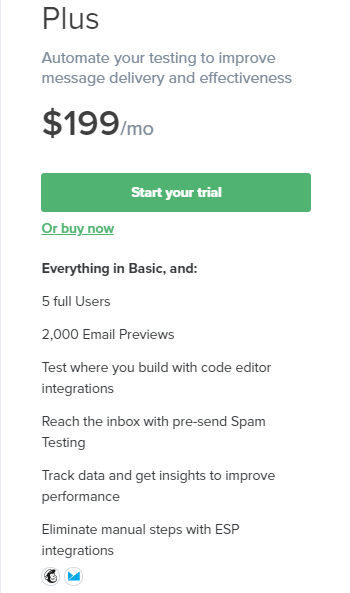
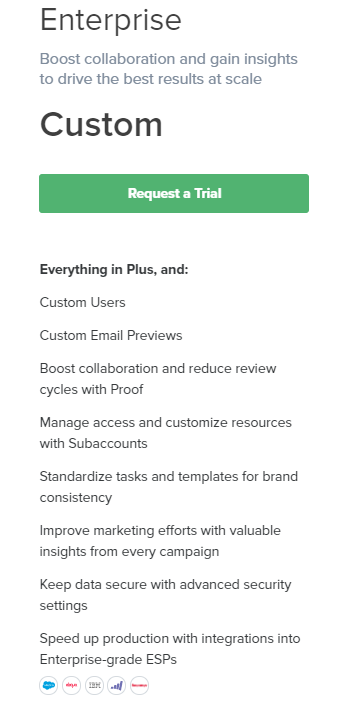
The shocking part is that the Eloqua integration does nothing beyond removing the copy-paste step - absolutely zero additional features or enhancements.
Full comparison from Litmus: Integration Notes
The value simply doesn’t match the price. Eloqua users are effectively charged a premium for the same functionality that cheaper platforms get at a fraction of the cost.
Final Verdict
Litmus remains an outstanding testing platform. If rendering accuracy matters - and it should - Litmus is a best-in-class solution.
But the Eloqua Litmus App? Very little added value. Extremely high cost. A pricing model that feels inconsistent and unfair to enterprise platforms.
I’ve reached out to Litmus sales for comment. I am not expecting a reply. Next step - a full review of Email on Acid to see whether it offers a more rational pricing strategy for Eloqua customers.
Want reliable email rendering and QA for your Eloqua campaigns?
I help teams design pragmatic email QA workflows around Eloqua – whether that is integrating Litmus or Email on Acid, standardising templates, or building a pre-send checklist that actually fits how your marketing team works.
If you want a senior Eloqua specialist to review your current setup and suggest a clean, cost-sensible approach, I am happy to take a look.