
Background to the problem
One of the big problems that marketing has when it comes to using their analytics platforms is that essentially what they have found is that the way they have been setting up their web analytics software means that whenever a contact hits one of their Eloqua landing pages and does not convert, they have a break in drop out rate or path analysis of what contacts have done when they click another link on the landing page and go back to the website.
If we take a step back to assess the problem it is this:
All Eloqua campaigns use different mediums and sources to drive contacts to an Eloqua landing page:
- Social media
- Search engine adverts
- Banner adverts
- Etc.
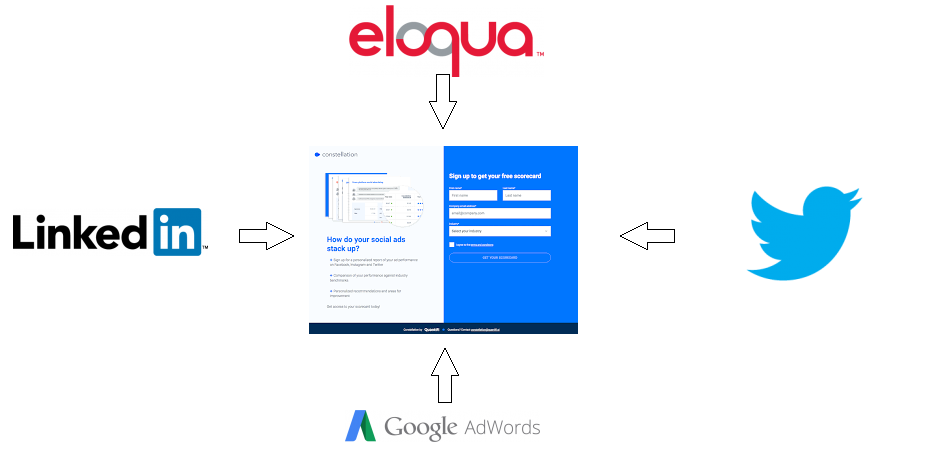
All inbound links from the different source and mediums should have a query string on it so that marketers can analyse the results of their campaign:
Eloqua:
https://forms.xyz.com?utm_campaign=FY19_Q1_CAMPAIGN&utm_source=Eloqua&utm_medium=email&utm_content=EDM1
LinkedIn:
https://forms.xyz.com?utm_campaign=FY19_Q1_CAMPAIGN&utm_source=LinkedIn&utm_medium=Social&utm_content=sm_banner
Twitter:
https://forms.xyz.com?utm_campaign=FY19_Q1_CAMPAIGN&utm_source=Twitter&utm_medium=Social&utm_content=Version1
For more information on building Google analytics query strings please go here: https://greg-staunton.com/google-analytics-tracking-on-eloqua-forms
In an ideal world the user journey would be:
- User clicks through to Eloqua landing page with form
- User submits form
- User is taken to Eloqua landing page
Depending on how marketing have used the Eloqua landing page, it might be possible for a user to not fill out the Eloqua form, but rather click a link on the page to go to another area of the website.
A perfect example of this can be seen on the Oracle website:
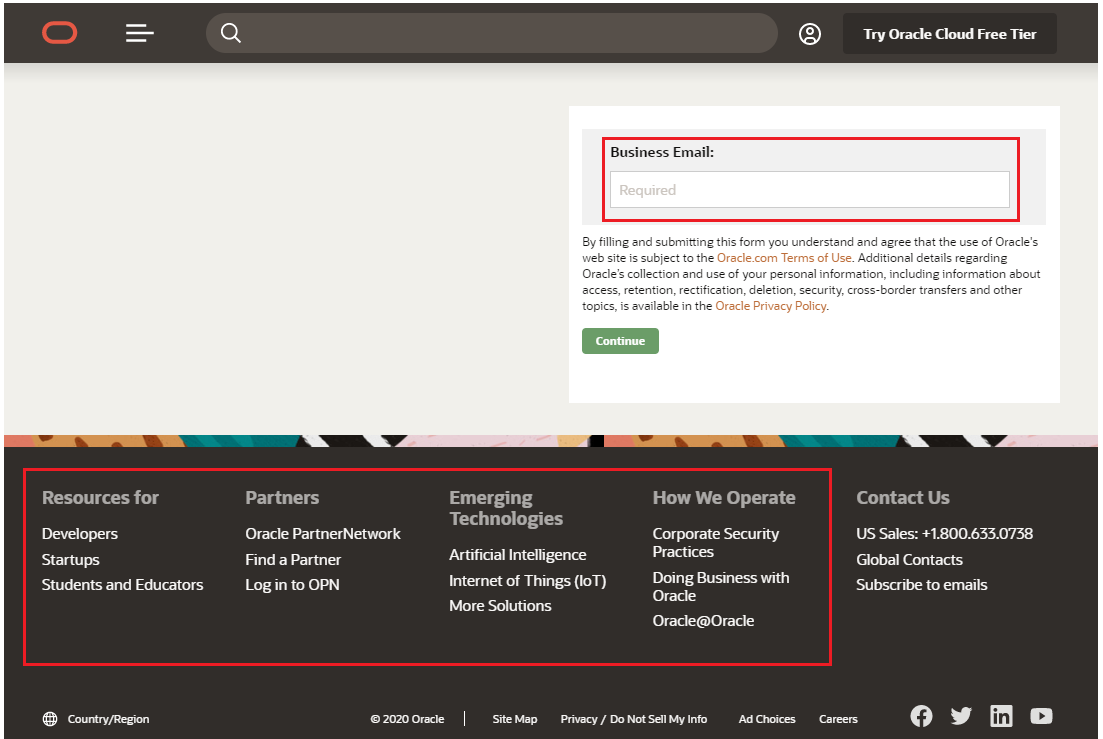
You can see that there is a form asking for business email but also a series of links below that would take the user away from the Eloqua landing page, thus preventing the Eloqua form being submitted.
If web tracking was not correctly set up would now cause issues.
Let’s add a query string that would normally contain tracking information on it:
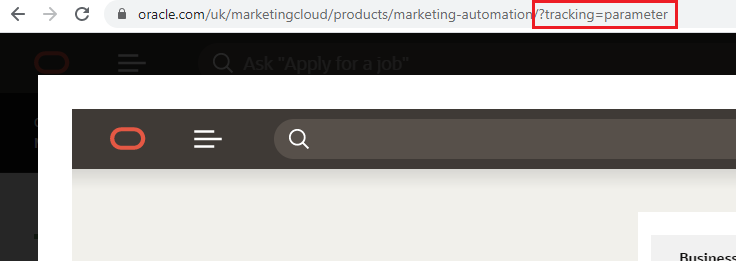
When you hover over the link at the bottom of the Eloqua landing page page you can see that the query string is not appended to the link:
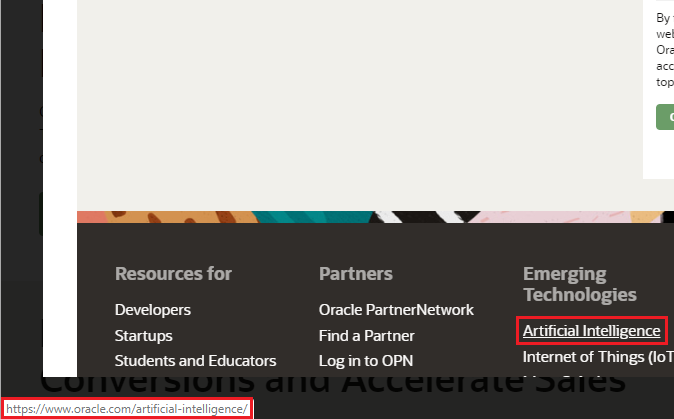
Eloqua landing page Problem defined
We need to find a way to make the any query string that brings a user to an Eloqua landing page get added to every outbound link on that Eloqua landing page.
Eloqua landing page solution
Insert the following code in the head section of the Eloqua landing page:
            <script type="text/javascript">

            window.onload=function(){
            let querystring = window.location.search
              if(querystring.startsWith('?'))
                querystring = querystring.replace('?', '');
            for(let a of document.querySelectorAll('a')) {
                a.href +=
                    (a.href.match(/\?/) ? '&' : '?') +
                    querystring;

            }
                }
            </script>
Once this has been placed in the header if you hover over the link on the page you will see that the link now contains the query string: